
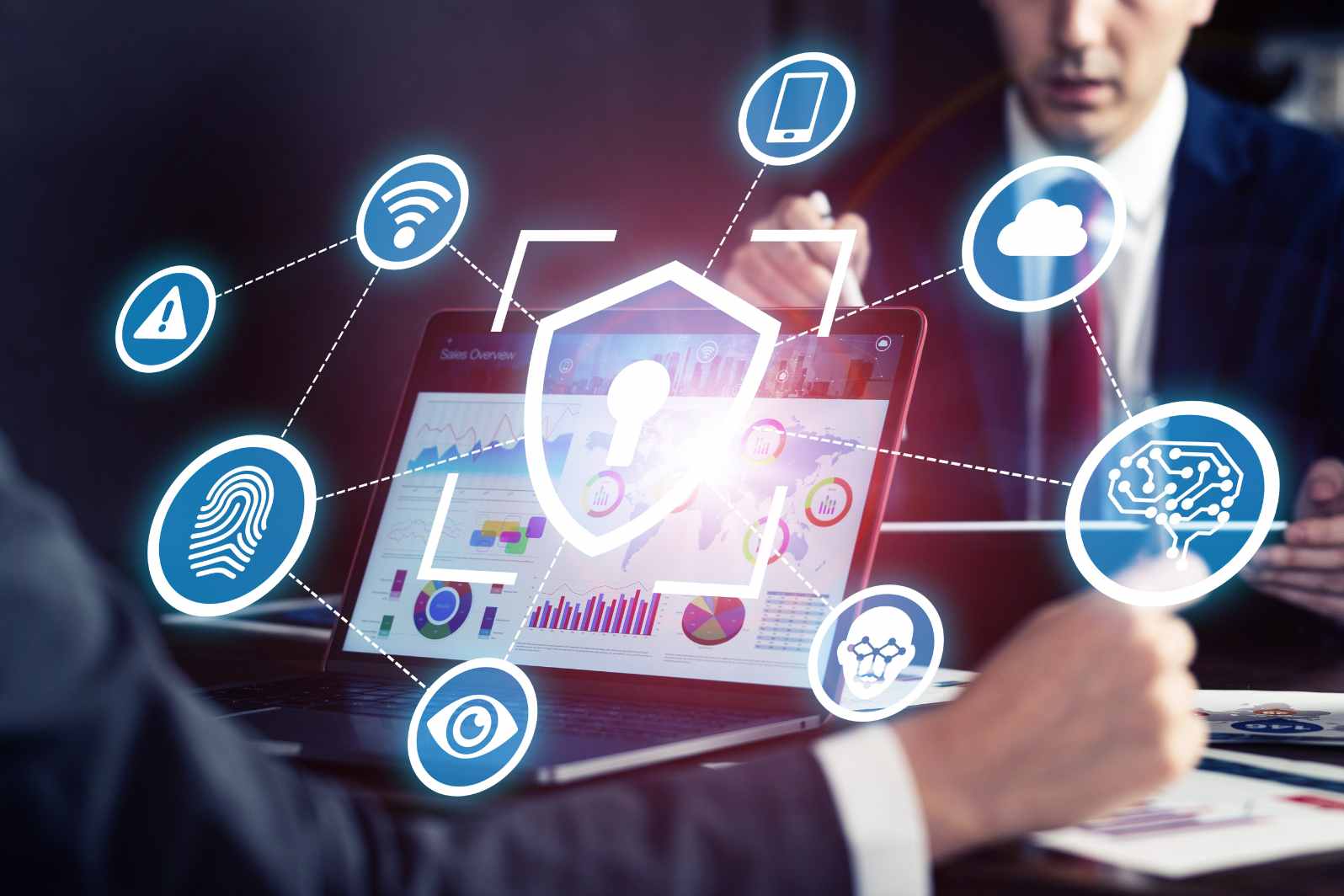
Our work and personal lives are heavily intertwined with the internet in today’s digital world. Nearly everything — from online banking to working remotely is dependent on technology. But convenience can come with vulnerabilities to cyber threats. Urban professionals need to be on the lookout, and remain secure. A tiny miscalculation can result in huge losses. The good news is that there are easy tools to help ensure your online life is safe and worry-free. Here are the must-have cybersecurity tools that every professional seeks to leverage.
1. Password Managers
Poor passwords are one of the greatest threats on the net. The vast majority of people use the same password for multiple accounts, making them easy marks. This is where a password manager comes in. It keeps all your passwords in one secure location. Just remember one strong master password. The tool also assists you in developing long and complex passwords that hackers can’t guess. Good options are LastPass, 1Password and Bitwarden.
2. Two-Factor Authentication (2FA) Apps
Passwords alone will no longer suffice. It’s important to add another layer of security. Two-factor authentication apps, such as Google Authenticator or Authy, prompt you to submit a code using your phone or app. You will have to enter this code along with your password to log in. That makes it all but impossible for hackers to break into your accounts — even if they know your password.
3. Virtual Private Network (VPN)
If you frequent cafes, airports or co-working spaces, consider yourself at risk. Public Wi-Fi is a hackers’ playground. A Virtual Private Network (VPN) shields your surfing habits from monitoring by creating a secure tunnel. It’ll keep your data private, even on unsecured networks. NordVPN, ExpressVPN and ProtonVPN are respected players in the field.
4. Antivirus and Anti-Malware Software
Viruses and worms have not gone away. They can compromise your data, harm systems or interfere with your train of thought. Good antivirus software guards your devices against these dangers. Software like Kaspersky, Norton and Bitdefender provide that all-around protection. Most of them also included firewalls and email scanning features to help block threats before they bring you down.
5. Encrypted Messaging Apps
Key to your professional life is communication. But regular chat apps might not cut it. Encrypted messaging apps including Signal and Telegram protect your conversations. They come with end-to-end encryption, so no one other than you and your recipient can read the messages. Not even the app provider can view them.
6. Secure Cloud Storage
People like using cloud storage to save work files and share documents. But not all are safe. Select services that include encryption, such as Tresorit or Sync. com. These services ensure your data remains secure, despite attempts by hackers to infiltrate. For people who deal with contracts, financial records or client information, this is a must.
7. Firewalls
Firewalls are akin to a digital security guard for your device. They intercept dubious traffic and keep attackers at bay. Most operating systems include a built-in firewall, but professionals should explore advanced options for more robust protection. Firewalls are especially helpful when you share one network across multiple devices.
8. Data Backup Tools
And the dangers are not confined to cyber-attacks. Sometimes things go wrong and systems crash or files are deleted by accident. Your data backup tools are a safety deposit box. Services such as Acronis, or even Google Drive’s backup options, will ensure you never lose your work. Regular backups provide peace of mind as well.
9. Browser Security Extensions
Browsers are the gateways to the internet. They are only vulnerable without the right tools. Add-ons like HTTPS Everywhere, Block Origin and Privacy Badger give you even more protection. They can block (some) ad trackers, force websites to use secure connections and stop certain kinds of ads from appearing. These little tools can make a big difference for professionals who spend hours on the web.
10. Identity Theft Protection
City professionals frequently provide their personal information online when using services, shopping or socialising. Identity theft protection services monitor the use of sensitive personal information. Services such as LifeLock and Identity Force warn you if your personal data turns up in the wrong places. This enables you to act quickly before harm occurs.
FAQs:
Q1. What’s the importance of cybersecurity to professionals?
It is the latter that keeps your personal and professional data safe from those pesky hackers. Without it, you could lose money and privacy — even your reputation.
Q2. The Best Free Security Tools Do free security tools perform well?
Some of the free tools are fine for simple needs, but paying usually gets you better protection and more features. Professionals may want to consider paying for better options.
Q3. How frequently should I change my passwords?
Change Your Passwords and Do It Often This should be done every 3-6 months. This is easy with a password manager.
Q4. Will a VPN slow my internet down?
Yes, VPN can decrease speed just a tad due to encryption. But good providers have speedy servers, so the disparity is slight.
Q5. Is antivirus software needed in 2025?
Yes, antivirus is still important. Contemporary antivirus tools guard against a variety of threats — malware, yes, but also ransomware and phishing.
